WHO IT'S FOR
Three people. One platform that works for each.
HR is done by HR admins, managers and employees, every day, in different ways. PulseNet365 answers the specific things that frustrate each of them.
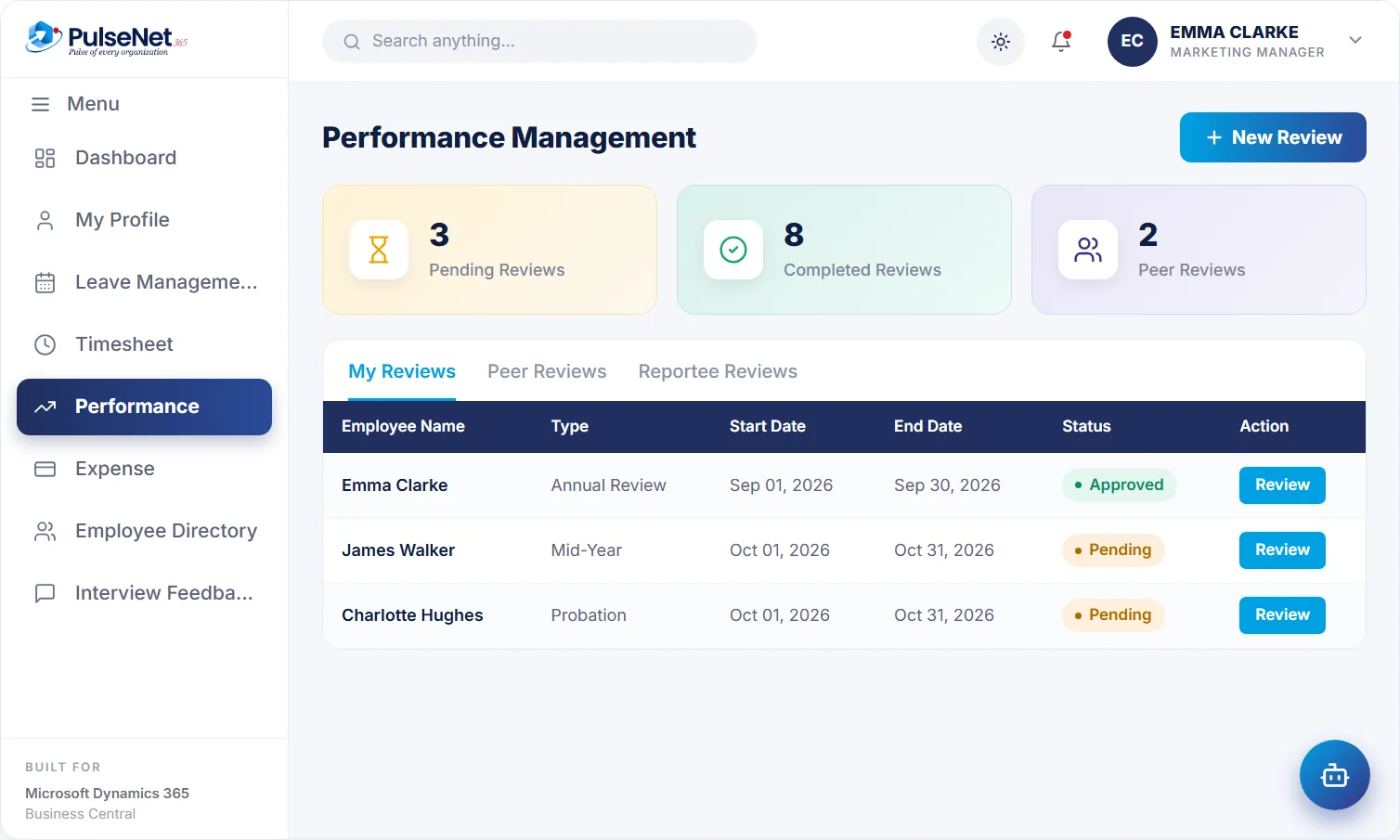
Performance reviews. Illustrative screen with sample data.
👥
HR Admins
Pains today → PulseNet365 answer
PAINS TODAY
- Hiring lives in spreadsheets and email
- Approvals stall because they are not in one workflow
- Data is re-keyed between hiring, onboarding and payroll
- Leave policies and review cycles are run manually
PULSENET365 ANSWER
- One employee record from candidate to leaver
- Workflow-driven requisitions, offers and onboarding
- Leave policies set up once, applied consistently
- Performance cycles run on a schedule with reminders
✅
Managers
Pains today → PulseNet365 answer
PAINS TODAY
- Approvals scattered across inboxes, chat and spreadsheets
- No view of team leave or pending timesheets
- Reviews slip because no one chases them
PULSENET365 ANSWER
- Approve leave, timesheets and expenses in one place
- See balances and overlaps at the point of approval
- Review cycles run on time, with reminders
🧑
Employees
Pains today → PulseNet365 answer
PAINS TODAY
- No real-time view of the leave balance
- Clunky leave and timesheet submission
- Always emailing HR for simple things
PULSENET365 ANSWER
- Live leave balance and pending actions on one dashboard
- Apply for leave, fill timesheets and raise tickets in seconds
- An AI assistant for HR questions, 24/7
BEYOND HR
Finance, IT and leadership have a stake too
HR data does not stop at HR. Three more groups feel the cost of a disconnected system, usually at month-end or during an audit question.
Finance teams
Today: expense totals keyed from PDFs, approved leave copied into a payroll spreadsheet, and month-end spent working out which figure is right. With PulseNet365: approved expenses reach finance on Business Central, approved hours, leave and expenses are prepared for your payroll provider, and each figure links back to an approval.
IT teams
Today: another HR app to secure, another set of users and permissions, and integrations that break quietly. With PulseNet365: hosting on Microsoft Azure, private to your organisation, role-based access, and extensions built with Power Apps and Power Automate. Offboarding schedules access removal from one leaving date.
Leaders
Today: three spreadsheets with three different headcounts, reviews that slip a quarter, and people costs you cannot see next to finance. With PulseNet365: headcount, leave, hours and review progress come from one record on Business Central, with Power BI when you need more.
A DAY IN THE LIFE
One leave request, seen by six different people
A single request for three days off touches more roles than most people realise. Here is where each one comes in.
STEP 01
HR sets the rules once
Months earlier, HR defined annual leave with accrual, carry-over and eligibility rules for Sarah Lewis’s employee group. Nobody interprets the policy case by case.
STEP 02
Sarah applies in seconds
On Tuesday morning Sarah sees her live balance in self-service and applies for three days, through the form or in a chat with the assistant.
STEP 03
Her manager decides in context
Ethan Walsh sees Sarah’s balance and who else in the team is off that week, then approves with a comment. No calendar check by email.
STEP 04
The records update themselves
Sarah’s balance updates straight away and the matching timesheet entry is created, so her time for that week is already correct.
STEP 05
Finance gets clean inputs
At the period end, the approved absence is part of the payroll-ready data prepared for the payroll provider. Finance reviews the figures the manager approved.
STEP 06
Leaders see the pattern
Leave by department sits on the same record, so a leader asking who is off over the holidays gets one answer, not three.
TIME TO MOVE ON
Signs your HR has outgrown its spreadsheets
Spreadsheets are a reasonable way to start. They stop working quietly, one exception and one person at a time, and the cost rarely shows up in a budget. If several of these sound familiar, it is already higher than it looks.
Each sign is really a handoff between systems or people. PulseNet365 removes the handoff by keeping one employee record on Business Central.

- Two people give different leave balances for one employee
- Only one person understands the payroll spreadsheet
- Managers approve leave without seeing who else is off
- New starters arrive before their laptop and access
- Reviews finish a quarter late, if at all
- Finance re-keys expense totals from emailed receipts
- Nobody can say who is able to see salary data
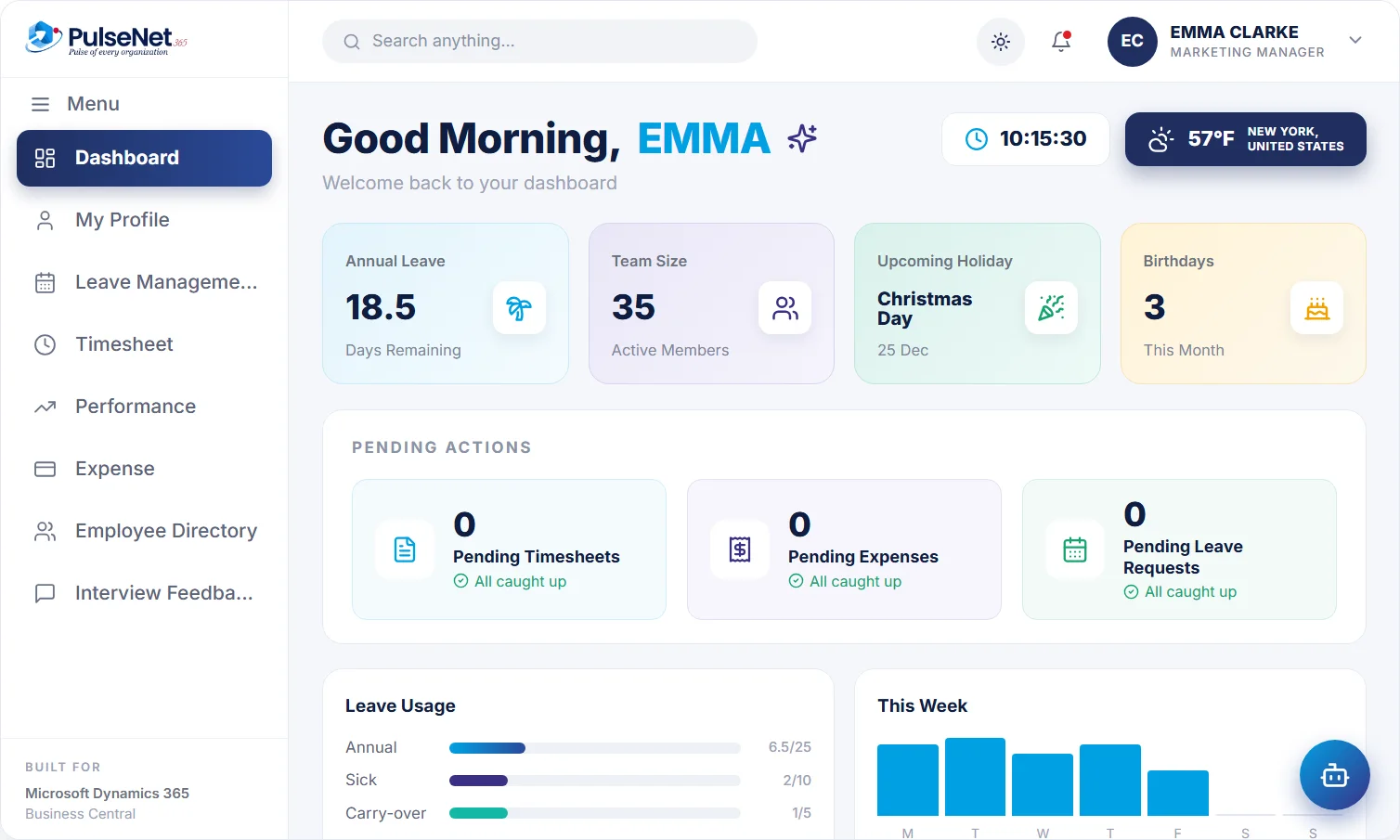
Employee self-service dashboard. Illustrative screen with sample data.
ROLE QUESTIONS
What each role asks before saying yes
Our managers barely use HR systems. Will they adopt it?
Managers approve leave, timesheets and expenses in one place, with the balance and team overlap in view, so an approval takes less effort than the email thread it replaces. A one-page guide for approvers, with a few screenshots, answers most first-week questions.
What does finance need to do differently?
Less re-keying, more reviewing. Finance checks payroll-ready data by department before each run and works from the same record on Business Central. Agree the handover format with your payroll provider early, and run one period in parallel before relying on it.
What does IT have to look after?
An environment hosted on Microsoft Azure, private to your organisation, and the roles that decide who sees what. Joiners, movers and leavers are the moments to check: Offboarding schedules access removal from the leaving date, and a short quarterly review of who can see pay data catches drift.
Is PulseNet365 a fit for a small HR team?
The Starter plan is shaped for small HR teams getting the basics right, with Self-Service, Leave & Absence, Time & Attendance and Help Desk. Growing teams usually add recruitment, onboarding, reviews and expenses later.
+
+
+
+
See PulseNet365 with your own HR processes.
We will walk you through the modules that matter for your team. No slide deck.